Notes
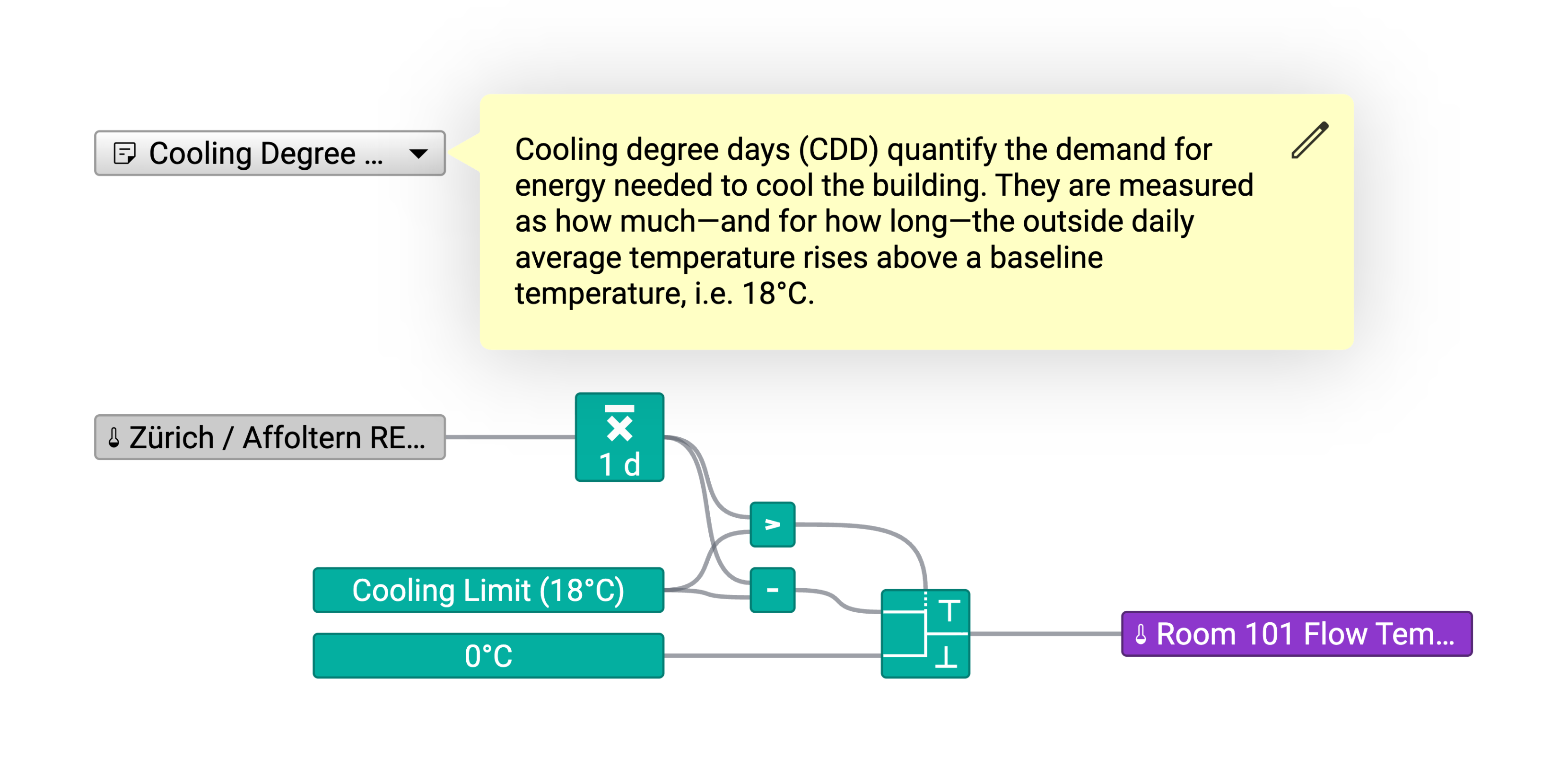
You can annotate your calculations with notes to keep track of the purpose of each calculation and the meaning of the different shapes.
To place a note, click on the Note tool in the toolbar above the working area and then click on the worksheet to place the note.
In the Properties sidebar on the right you can edit the label of the note shape and the note itself.
In view mode, the note will be displayed in a balloon if users click on the note shape.